Schedule Trigger (Starter)
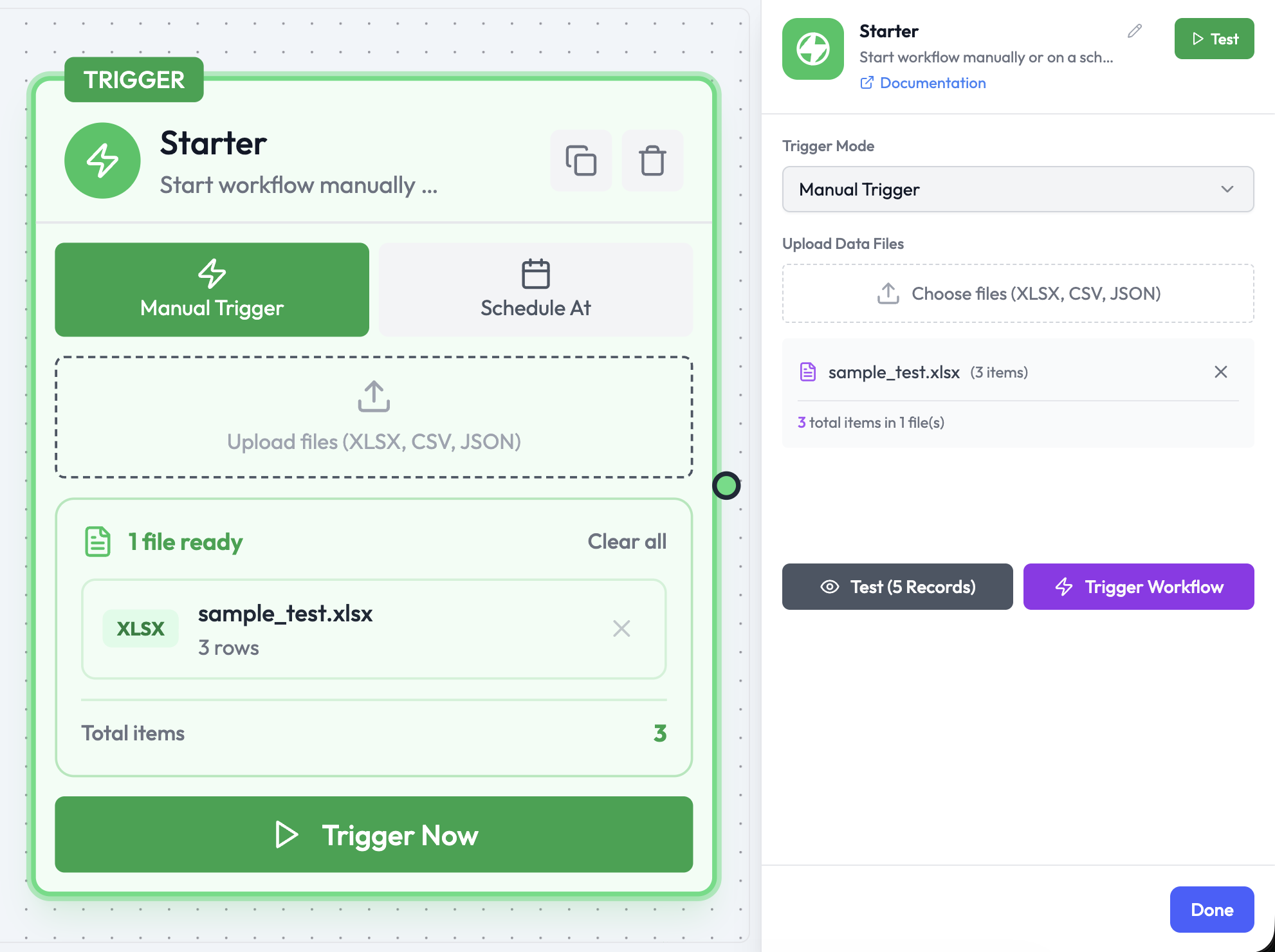
The Starter node is AgentVerse’s combined manual and scheduled trigger. In Schedule At mode it starts an orchestration automatically at a specified date and time or on a recurring schedule.The same Starter node also supports Manual Trigger mode. See Manual Trigger.

Use Cases
- Run daily reports or summaries
- Sync data between services on a recurring basis
- Send scheduled notifications or reminders
- Trigger time-based AI agent tasks
Node Reference
Parameters
| Parameter | Type | Description |
|---|---|---|
| Trigger Mode | Select | Set to Schedule At to enable time-based execution |
| Scheduled Date/Time | DateTime | The date and time for the first (or only) run |
| Repeat Enabled | Boolean | If enabled, the orchestration repeats on the defined interval |
| Repeat Interval | Select | How often to repeat: Hourly, Daily, Weekly, Monthly, Custom (Cron) |
| Cron Expression | String | Custom cron schedule (only shown when Custom is selected) |
| Timezone | Select | The timezone used to evaluate the schedule |
| Upload Data Files | Files | Optional XLSX, CSV, or JSON files to inject as input data on each run |
Repeat Interval Options
| Value | Description |
|---|---|
Hourly | Run every hour |
Daily | Run every day at the specified time |
Weekly | Run on the specified day(s) of the week |
Monthly | Run on the specified day of the month |
Custom (Cron) | Run on a custom cron expression |
Cron Expression Format
| Expression | Meaning |
|---|---|
0 9 * * 1-5 | Every weekday at 9:00 AM |
0 0 1 * * | First day of every month at midnight |
*/15 * * * * | Every 15 minutes |
0 8 * * 1 | Every Monday at 8:00 AM |
Output Data
The Schedule Trigger outputs the scheduled execution time:Timezone Behavior
All schedule times are evaluated in the configured timezone. If no timezone is set, UTC is used by default. Daylight saving time transitions are handled automatically.Related Nodes
- Manual Trigger — Start an orchestration manually instead
- Wait — Pause mid-orchestration until a specific time