

SubVerse AI Trigger
The SubVerse AI Trigger starts an orchestration when a SubVerse AI voice call completes. It enables post-call workflows triggered by AI-handled inbound calls.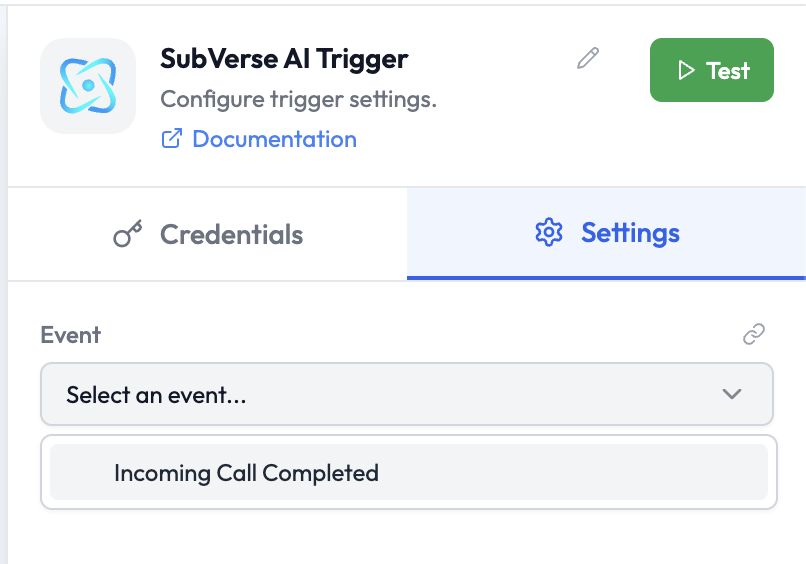
Use Cases
- Trigger a follow-up workflow after an AI voice agent completes a customer call
- Log call outcomes to Airtable or a CRM after call completion
- Send a post-call summary or follow-up message via Slack or WhatsApp
- Escalate unresolved calls to a human agent
Credentials
This node uses your SubVerse AI workspace credentials, which are configured at the workspace level. No additional credential setup is required.Node Reference
Parameters
Event Options
Output Data
The trigger outputs the call completion payload, including transcript, outcome, and caller details:Related Nodes
- SubVerse Agents — Execute SubVerse AI agents for outbound calls or other channels
- SubVerse AI — Manage SubVerse AI voice interactions within an orchestration
- Slack — Send post-call notifications to a Slack channel