

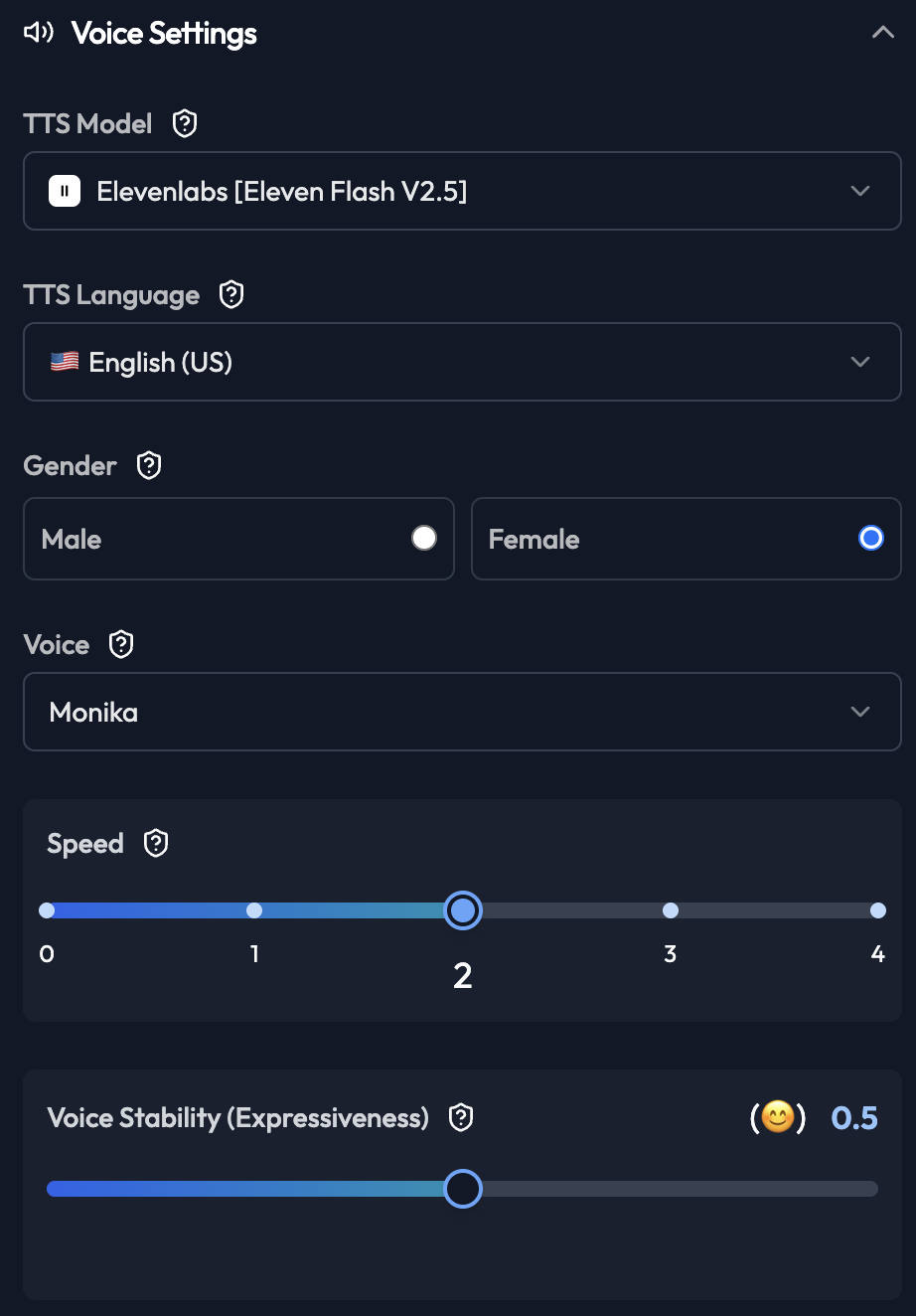
TTS Model
Select the text-to-speech engine:- Elevenlabs [Eleven Flash V2.5]: High quality, natural voices
- OpenAI TTS: Good quality, fast generation
- Google TTS: Wide language support
TTS Language
Select voice language:- English (US)
- English (India)
- Hindi
- Multiple other languages
Gender
Choose voice gender:- Male: Deeper, authoritative tone
- Female: Often perceived as more friendly
- Match to your brand personality
- Consider target audience preferences
- Test both options with sample customers
Voice
Select specific voice model:- Monika: Professional, clear female voice
- Leo: Professional male voice
- Riya: Warm female voice
- Asathi: Energetic voice
- Nikita: Calm, soothing voice
Speed
Control speaking rate (0-4 scale). Settings:- 0: Very slow (for complex information)
- 1: Slow (for elderly or non-native speakers)
- 2: Normal (recommended for most cases)
- 3: Fast (for time-sensitive calls)
- 4: Very fast (use with caution)
Voice Stability (Expressiveness)
Controls emotional variation in voice (0.0-1.0).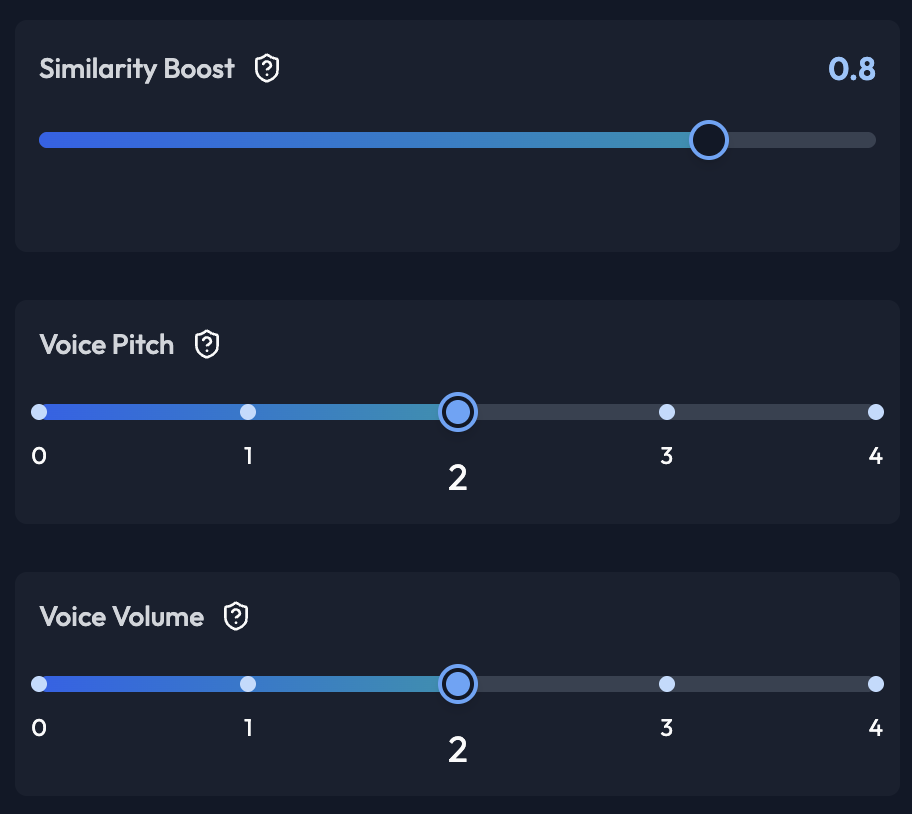
- 0.0-0.3: Very stable, monotone
- 0.4-0.6: Balanced (recommended)
- 0.7-1.0: Very expressive, emotional
Similarity Boost
Enhances voice consistency (0.0-1.0). Settings:- 0.0-0.5: More variation
- 0.6-0.8: Balanced (recommended)
- 0.9-1.0: Maximum consistency
Voice Pitch
Adjust voice pitch (0-4 scale). Settings:- 0-1: Lower pitch
- 2: Normal pitch (recommended)
- 3-4: Higher pitch