

Overview
Communication Channels are the bridges between your Subverse agents and the outside world. Each channel represents a specific communication medium — a phone number, a WhatsApp account, an email inbox, or a website chat endpoint — and is linked to an agent that handles all incoming interactions on that channel. How it works:- Create a channel for the communication medium you want to support.
- Attach credentials to authorize the channel (e.g. SIP credentials for voice, WhatsApp API keys, SMTP details for email).
- Link an agent to the channel. All interactions arriving on that channel are routed to the linked agent automatically.
Channel Types
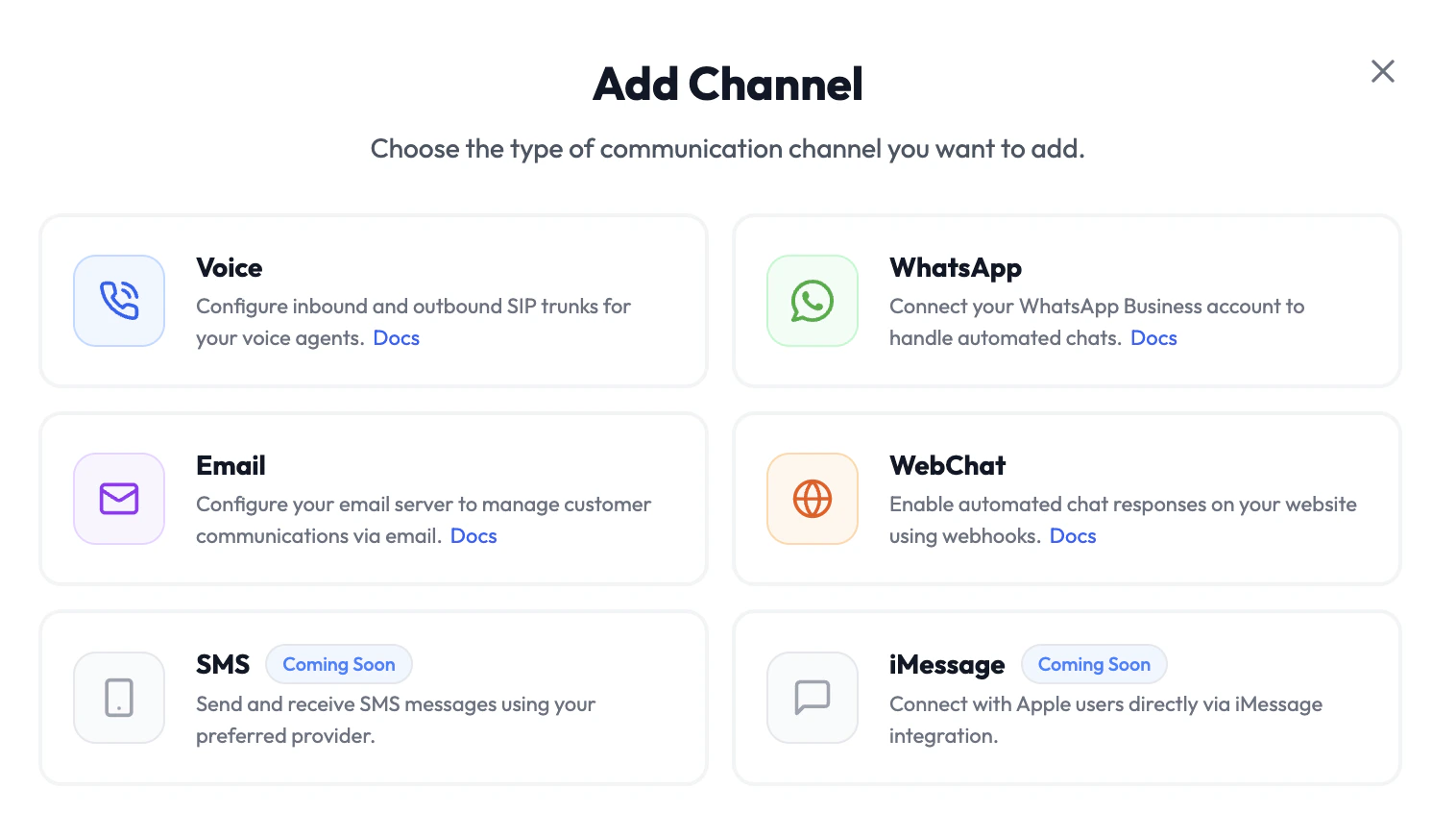
SMS and iMessage channels are coming soon.
Adding a Channel
- Navigate to Channels in the left sidebar.
- Click Add Channel.
- Select the channel type.
- Fill in the channel details and attach credentials.
- Link an agent under Agent Configuration.
- Click Save.