

Overview
An Email Channel connects a real email address to an Email Agent. When an email arrives at the configured address, the linked agent reads it and sends a reply automatically — handling support requests, FAQs, and inquiries without human intervention. Email channels use your SMTP credentials to authorize sending emails from your address. These credentials are stored securely in encrypted form. When to use an Email Channel:- You want to automate replies to incoming support or inquiry emails
- You need a first-line response bot that can triage or answer FAQs
- You want AI-generated replies sent directly from your own email address
How to Set Up
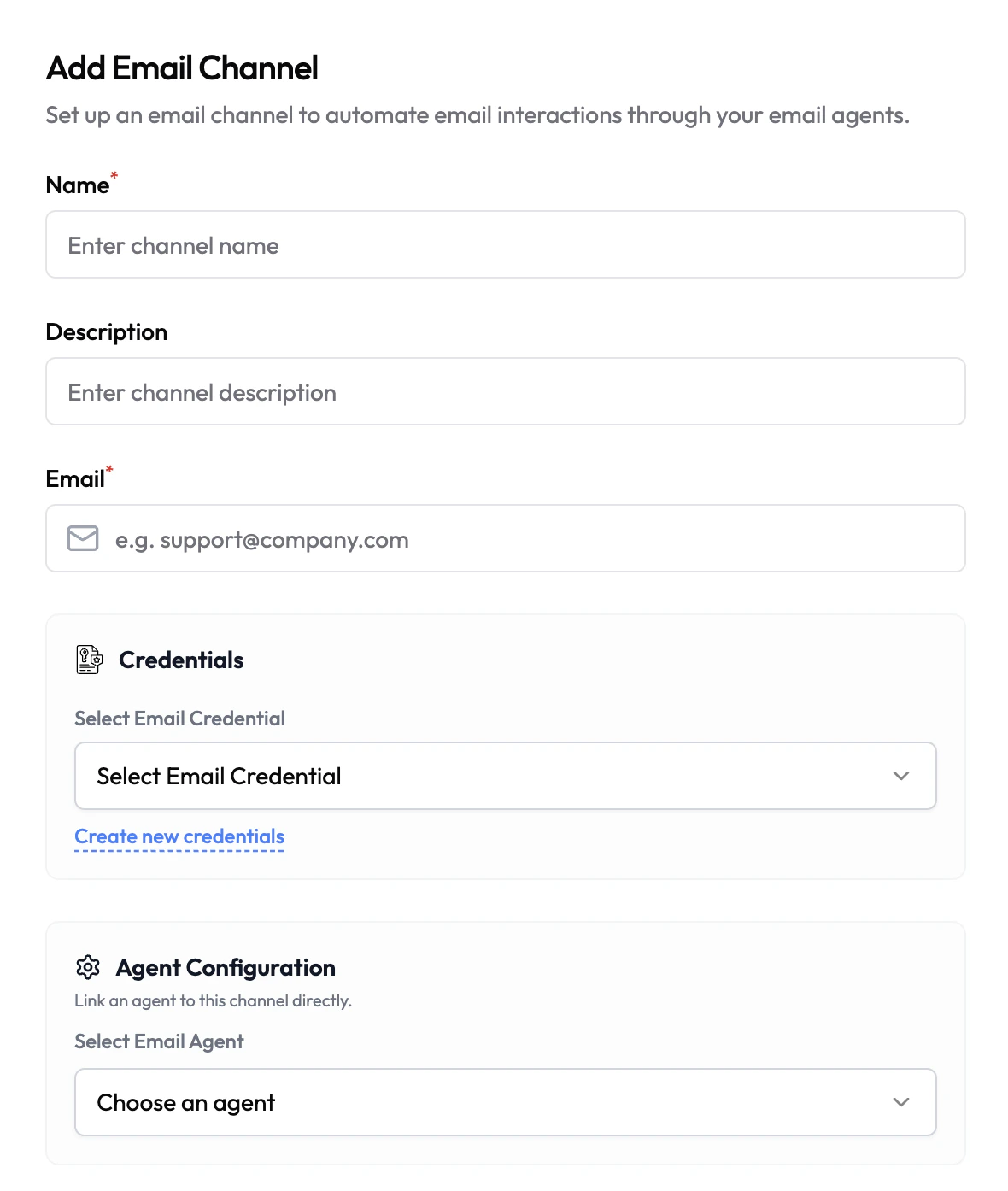
- Navigate to Channels in the left sidebar.
- Click Add Channel and select Email.
- Fill in the channel details (see configuration below).
- Select or create an Email Credential.
- Under Agent Configuration, link an Email Agent.
- Click Save.
Configuration
Credentials
Email channels require an Email credential containing your SMTP server details (host, port, username, password). This authorizes Subverse to send emails on behalf of your address. Credentials are stored encrypted and never exposed in plaintext after saving.All Credentials
Create and manage your email credentials in the Credentials section