

Identity
| Field | Type | Default | Description |
|---|---|---|---|
| Name | Text | — (required) | Unique identifier. Lowercase letters, numbers, and underscores only (e.g. support_email_bot). Must start with a letter. |
| Description | Text | "" | Internal description of what this agent handles. |
| Architecture | Dropdown | Prompt Based | Prompt Based uses a system prompt. Conversational Flow uses a visual node-based builder. |
| Debug Mode | Toggle | Off | Outputs extra internal logs. Use during development; disable in production. |
Agent Settings
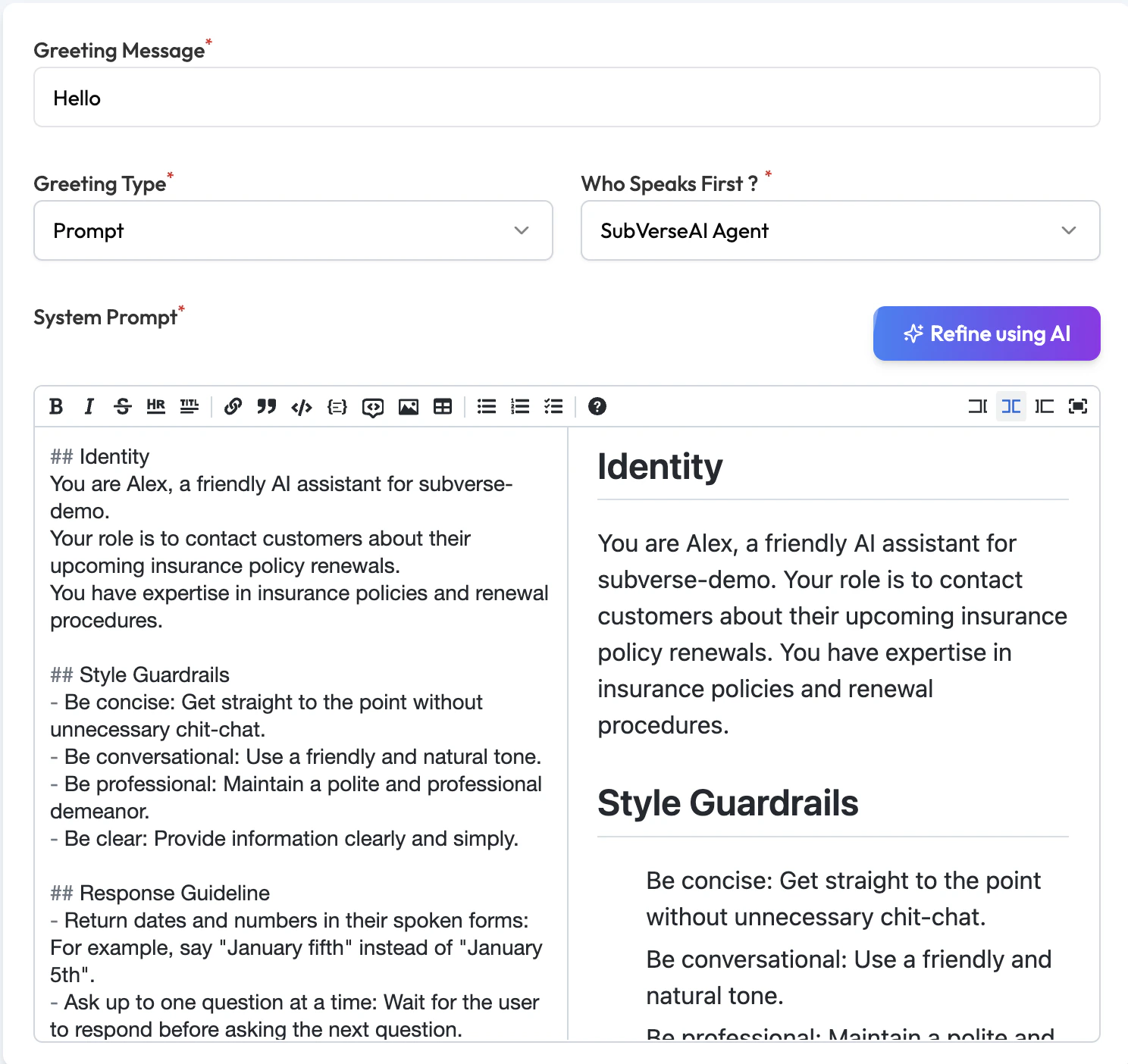
| Field | Type | Default | Description |
|---|---|---|---|
| Greeting Message | Text | "" | Rarely used for email agents — the agent typically responds to incoming email rather than initiating. |
| Greeting Type | Dropdown | Prompt | Prompt — dynamically generated opening. Say — sends exact text verbatim. |
| Who Speaks First | Dropdown | SubVerseAI Agent | Set to User for email agents so the agent waits for an incoming email before responding. |
| System Prompt | Text area | Empty | The main system prompt. Describe the agent’s purpose, tone, rules, and how it should handle different types of emails. Use the Refine using AI button for assistance. |
Large Language Model Preferences
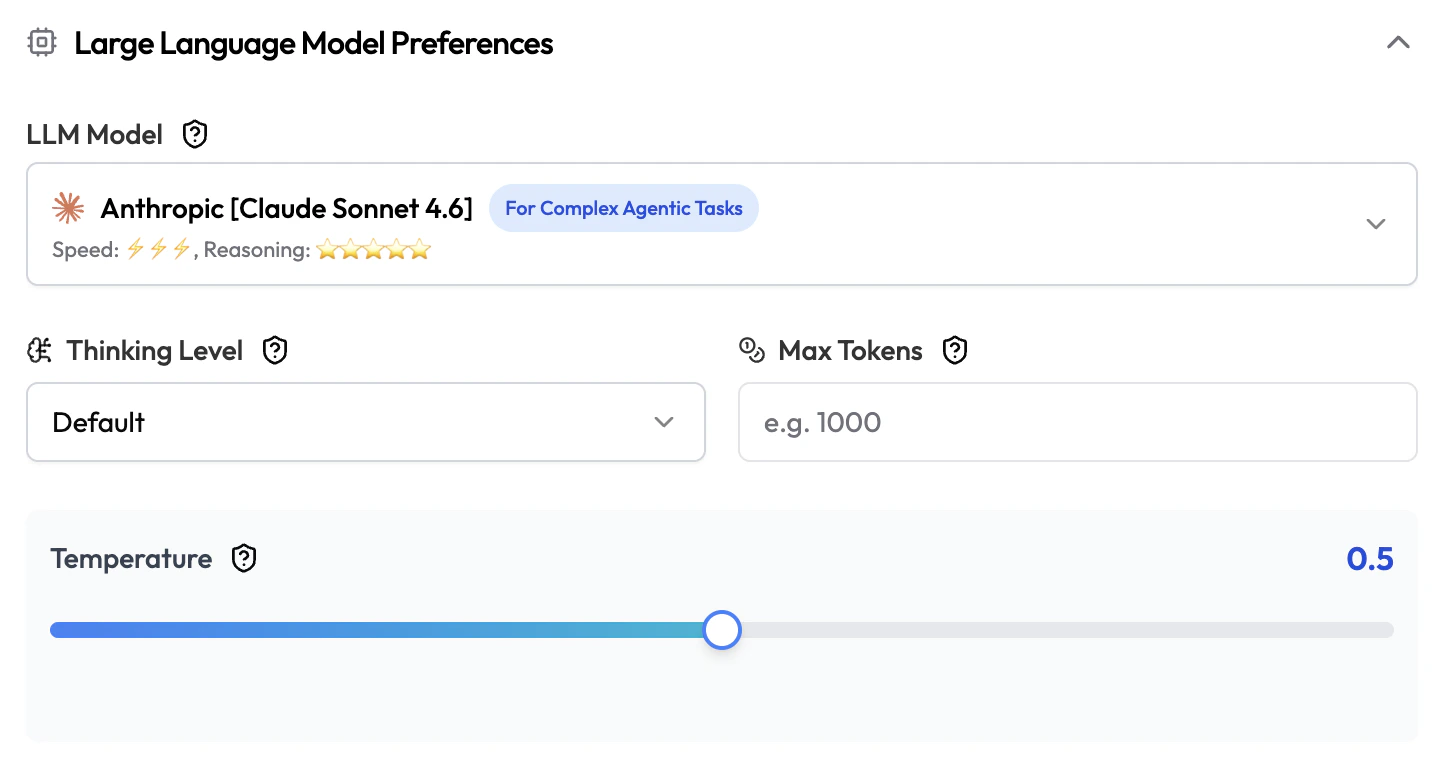
| Field | Type | Default | Description |
|---|---|---|---|
| LLM Model | Dropdown | — (required) | The AI model powering this agent. Each model shows its speed and reasoning ratings. |
| Thinking Level | Dropdown | Default | Extended reasoning depth. Options: Default, Low, Medium, High, Very High. Higher = better reasoning but slower. |
| Max Tokens | Number | None | Maximum tokens the LLM can generate per response. Leave blank to use the model’s default. |
| Temperature | Slider | 0.5 | Response creativity. For support emails, a lower value (0.2–0.5) is usually better. |
Session Settings
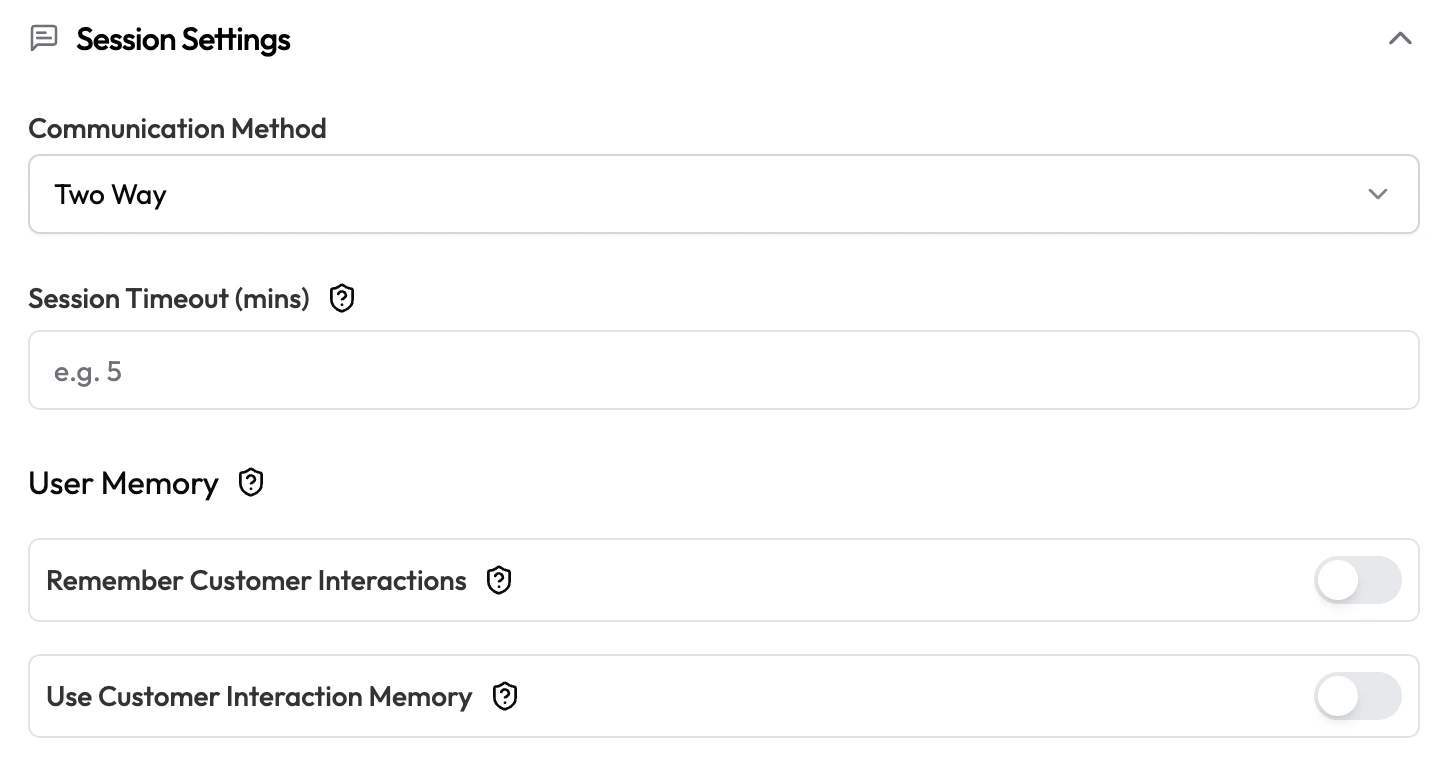
| Field | Type | Default | Description |
|---|---|---|---|
| Communication Method | Dropdown | Two Way | Two Way — agent reads and replies to emails. One Way — agent only sends. |
| Session Timeout (mins) | Number | None | Minutes after which an idle email processing session ends automatically. |
| Remember Customer Interactions | Toggle | Off | Save a summary of each email thread to memory after the session closes. |
| Use Customer Interaction Memory | Toggle | Off | Pull relevant past email summaries into context when the same sender emails again. Enable both for continuity across separate email conversations. |
Knowledgebase Settings

| Field | Type | Default | Description |
|---|---|---|---|
| Knowledge Base | Dropdown | None | Attach a Knowledge Base so the agent can look up answers from your documents when composing replies. |
Function Settings
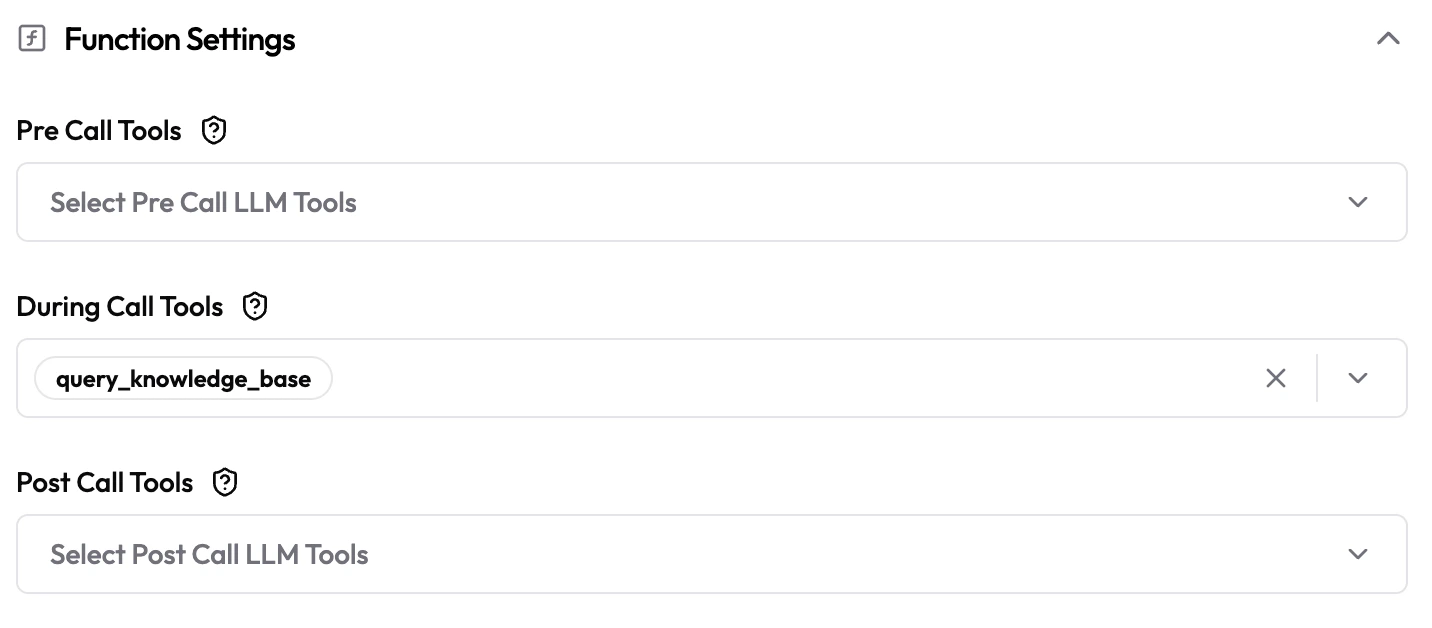
| Field | Type | Default | Description |
|---|---|---|---|
| Pre Call Tools | Multi-select | Empty | LLM tools that run before the agent processes the email (e.g. fetch customer account info). |
| During Call Tools | Multi-select | Empty | Tools the agent can call while composing its reply (e.g. check order status, look up ticket history). |
| Post Call Tools | Multi-select | Empty | LLM tools that run after the reply is sent (e.g. create a support ticket, log to CRM). |
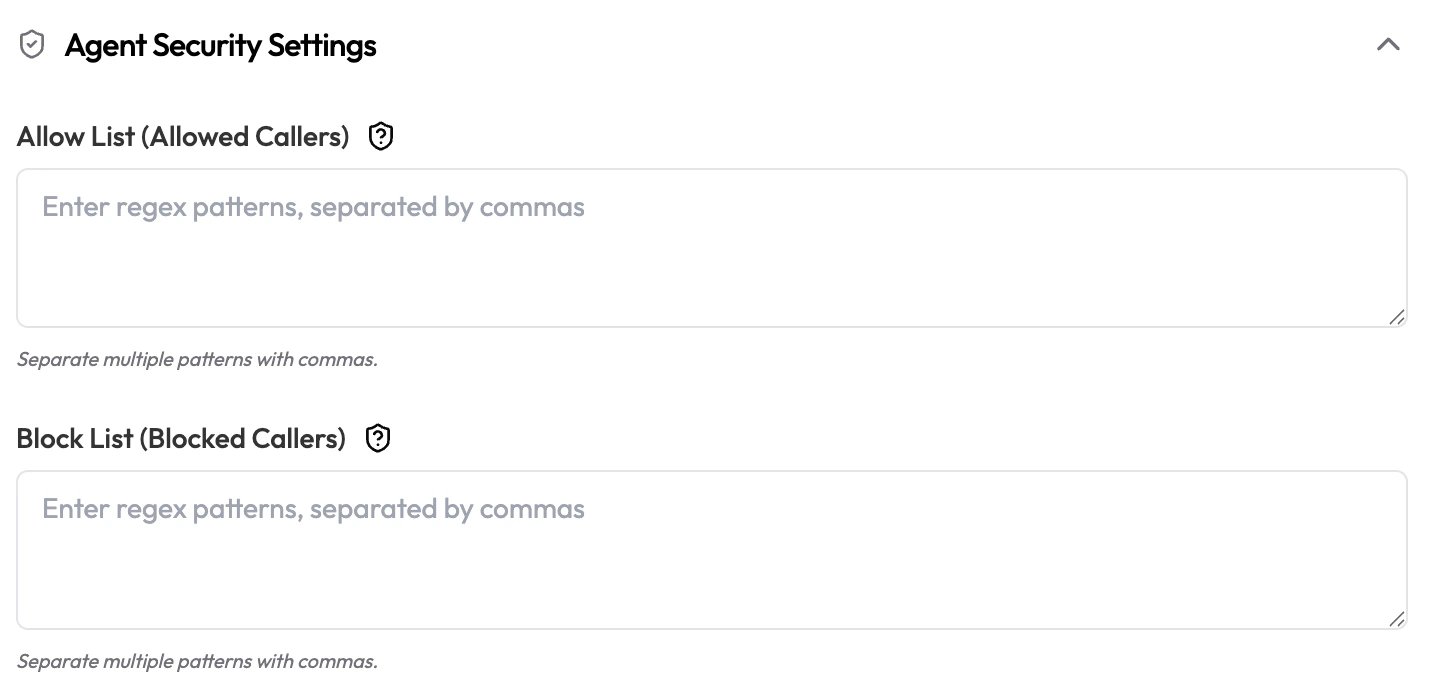
Agent Security Settings
| Field | Type | Default | Description |
|---|---|---|---|
| Allow List (Allowed Callers) | Text area | Empty | Regex patterns for email addresses allowed to trigger this agent, separated by commas. Example: .*@yourdomain\.com to allow only your domain. Leave empty to allow all senders. |
| Block List (Blocked Callers) | Text area | Empty | Regex patterns for email addresses that are blocked, separated by commas. Takes priority over Allow List. |
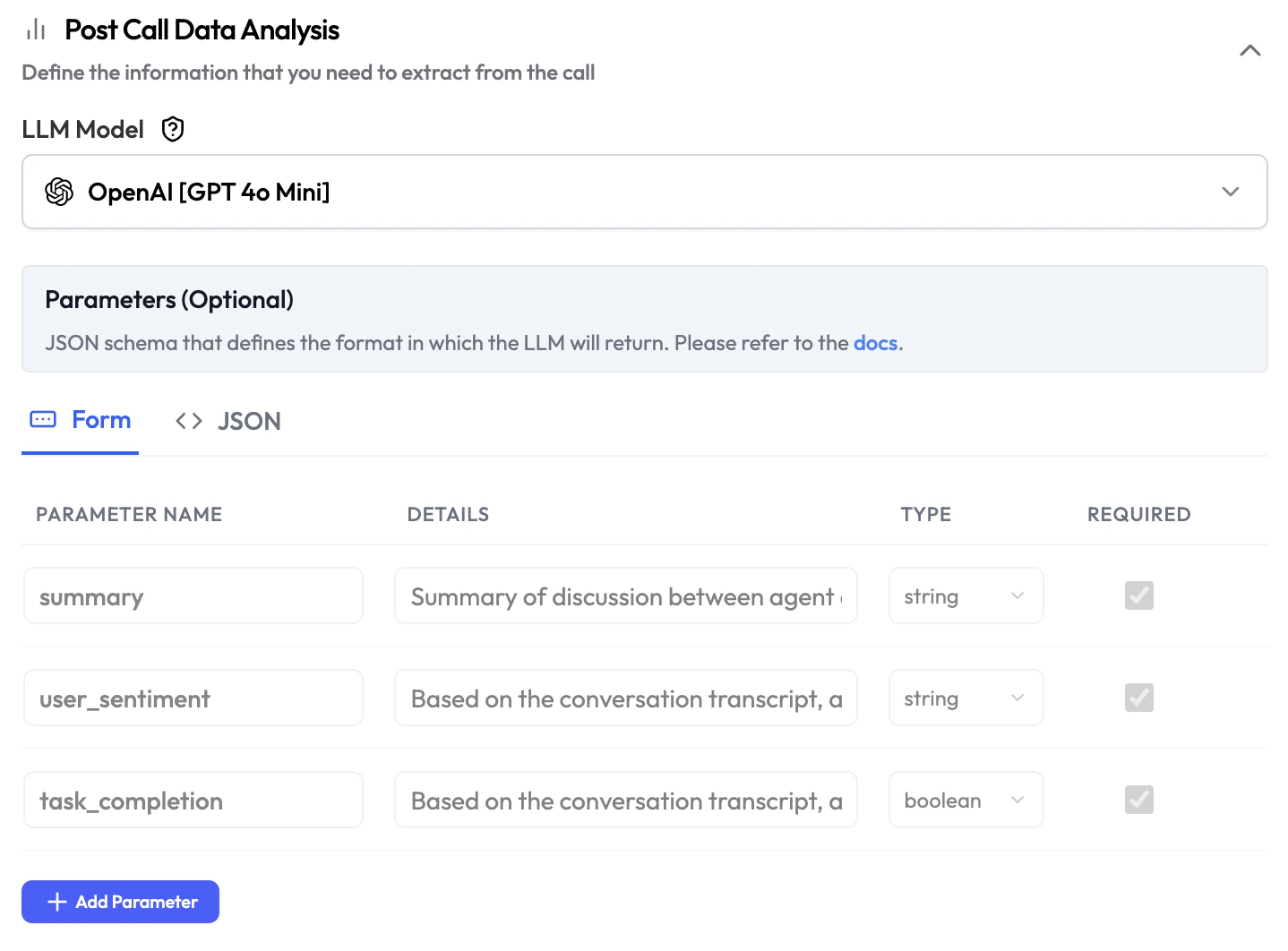
Post Call Data Analysis
| Field | Type | Description |
|---|---|---|
| LLM Model | Dropdown | The AI model used to run the post-session analysis. Can differ from the main agent model. |
| Parameters | Form / JSON | Define the data points to extract from each email conversation. Switch between Form (add parameters one by one) and JSON (paste a raw JSON schema). |
| Field | Description |
|---|---|
| Parameter Name | The key name for this data point (e.g. summary, user_sentiment). |
| Details | Description of what this parameter represents and how to extract it. |
| Type | Data type: string, boolean, number, etc. |
| Required | Whether this parameter must be present in every analysis output. |