

How It Works
Customer-facing agents need to be fast and responsive. But some tasks — analysing an image, generating a PDF, processing a video, or running complex reasoning — are better suited to large, powerful models like Claude Sonnet or Gemini 2.5 Pro. Running those tasks inline would slow down the entire conversation. Background Agents solve this by separating concerns:- The main agent uses a lightweight, low-latency model to talk directly to the customer.
- Background agents use large, capable models to execute complex tasks in parallel.
- The main agent delegates tasks to background agents based on instructions in its prompt, then communicates the outcome back to the customer once available.
Use Cases
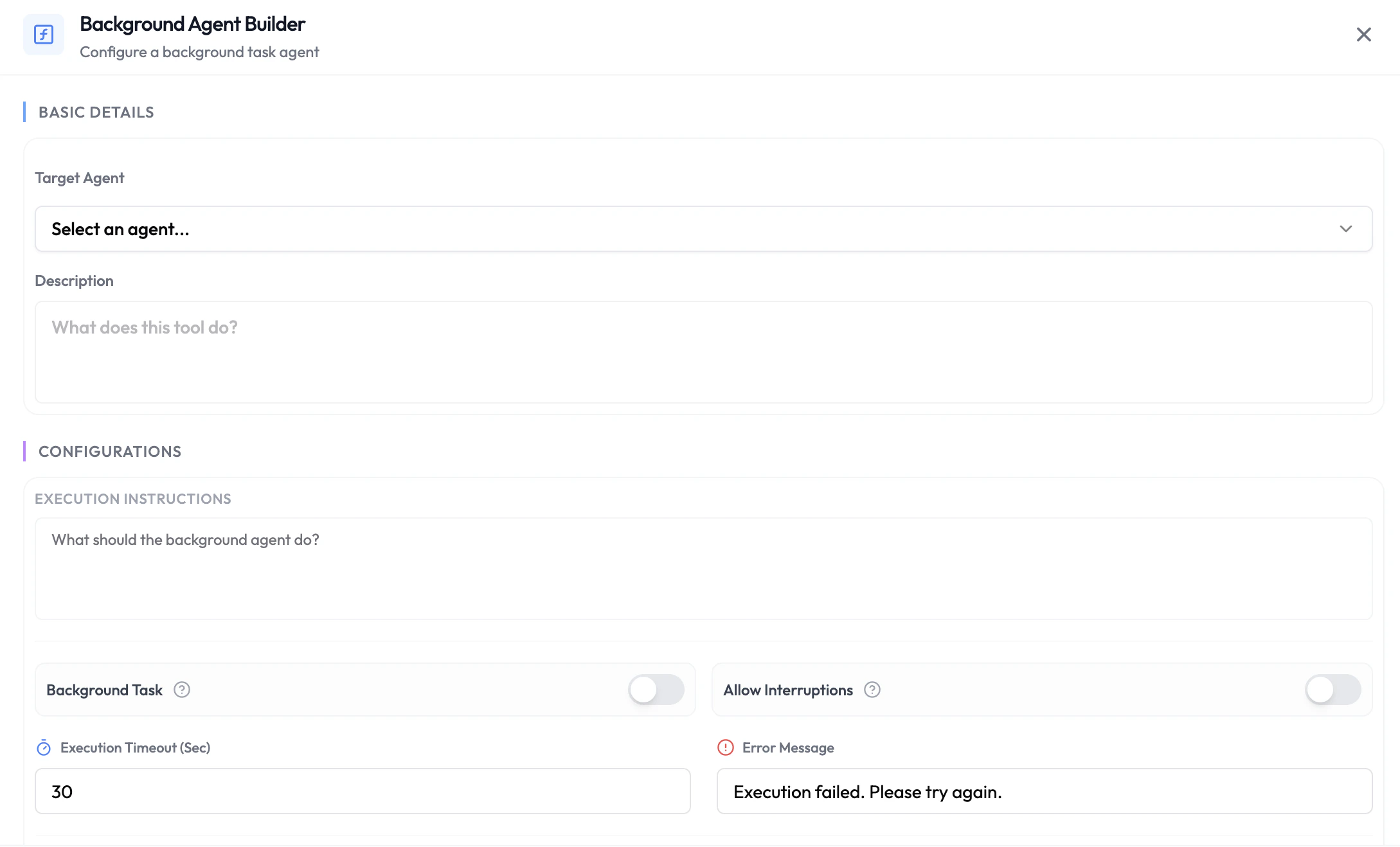
Configuring a Background Agent
- Navigate to Integrations → Agentic Functions and select your agent.
- Choose the phase where you want to add the background agent (Pre-Session, During-Session, or Post-Session).
- Click + Add Function and choose Background Agent.
- Select the Target Background Agent from your workspace — this is a fully configured agent with its own model, prompt, and tools.
- Map any input variables that should be passed to the background agent.
- Save the function.
Availability
Pre-Session
Trigger a background agent before the session starts — for example, use a powerful model to enrich or analyse customer data before the conversation begins, then pass the results back as dynamic variables.During-Session
The main agent delegates tasks mid-conversation. The customer receives an acknowledgement while the background agent processes the request, keeping conversation latency low regardless of the complexity of the underlying task.Post-Session
Trigger a background agent after the session ends to act on the full session analysis — for example, generating a detailed report, creating a follow-up document, or running a post-call analysis with a large model.Next Steps
Custom Functions
Call your own API with session or LLM-extracted data
Agent Handoff
Route the active conversation to another agent