

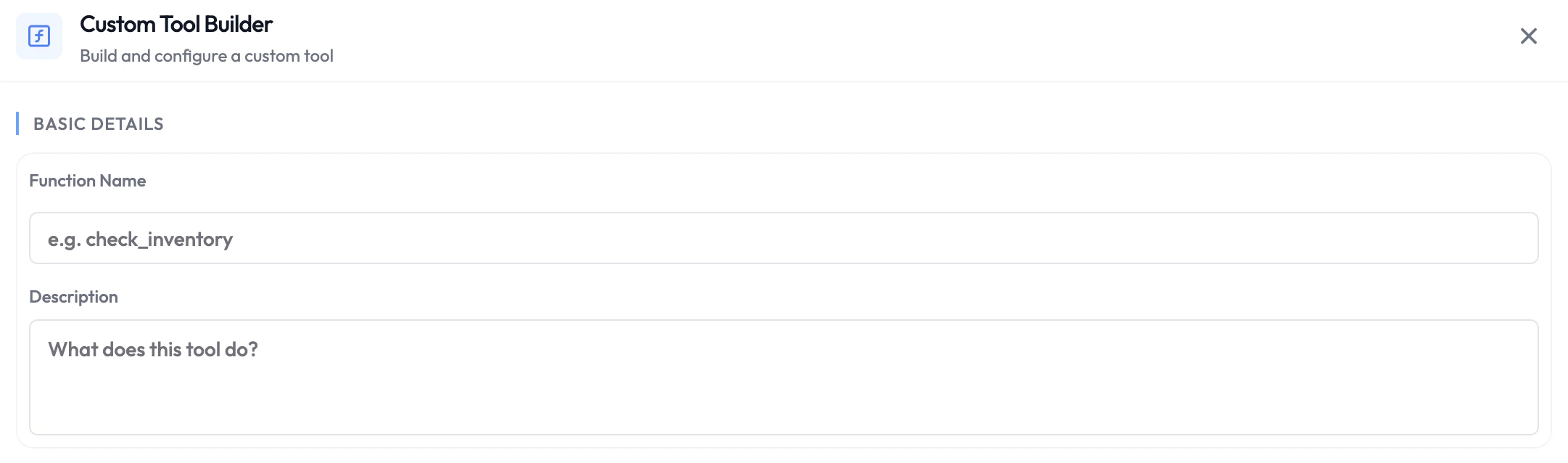
What You Can Do With Custom Functions
- Call your own API or webhook — POST session data to your backend and return a response.
- Use AgentVerse integrations — Connect to Shopify, Airtable, Slack, WhatsApp, Freshdesk, and other platforms without writing any integration code yourself.
- Write custom code — Define exactly what happens using code that runs securely on SubVerse infrastructure. No server needed.
Code Assistant — No Coding Experience Required
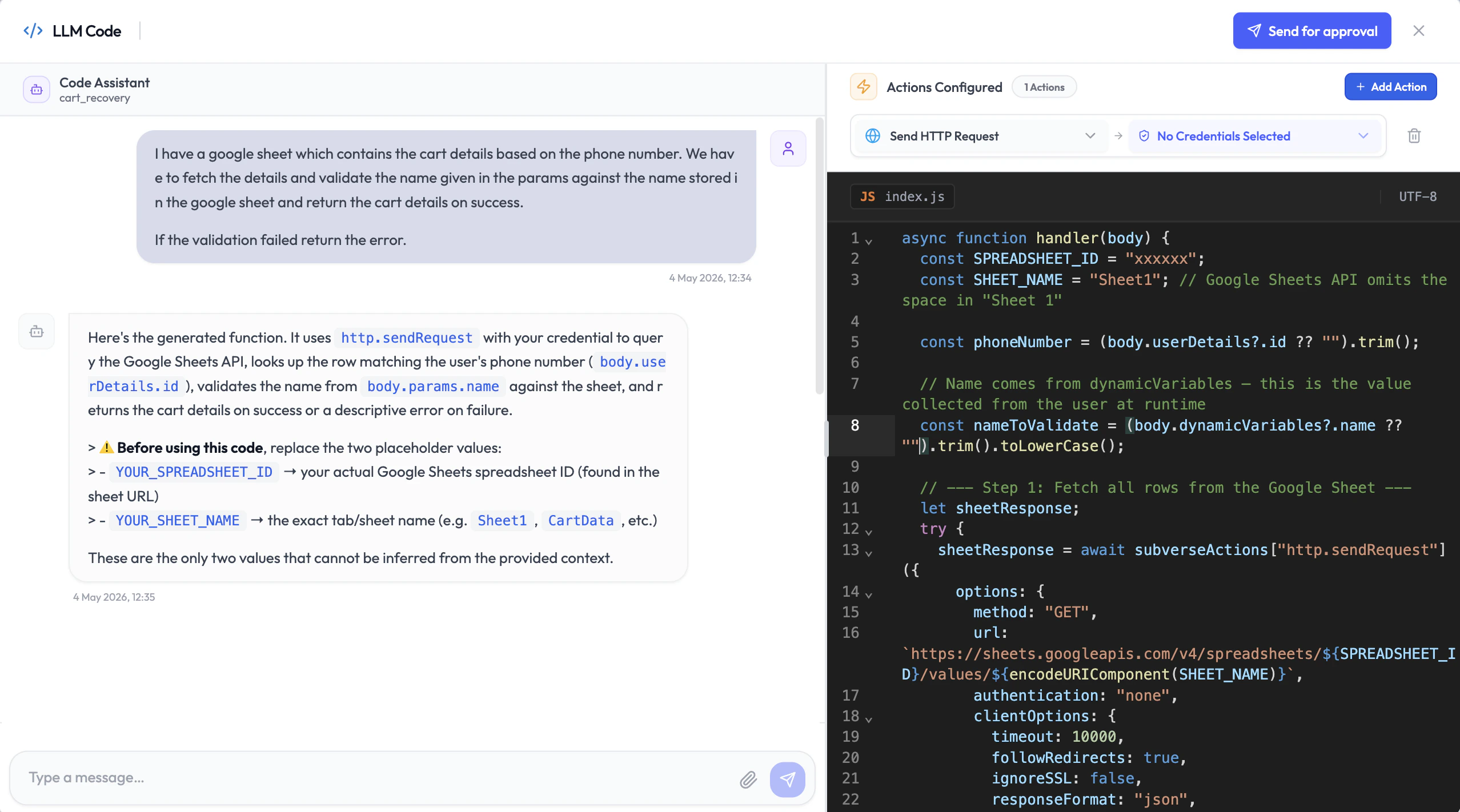
Writing a custom function is as simple as having a conversation. The Code Assistant is built into the function editor. Describe what you want your function to do in plain English, and the Code Assistant writes the code for you — in 5 to 10 minutes. You don’t need to know how to code. You don’t need to set up a server. Just describe the task, review what it generates, and ship it. How the Code Assistant works:- Open the function editor and open the Code Assistant panel.
- Describe what you want the function to do — for example: “Look up the customer’s order status from Shopify using their email, and return the latest order details.”
- The Code Assistant writes the code, aware of the session body structure and the integrations you have enabled.
- Review the generated code and request changes by chatting with the assistant.
- Once satisfied, request approval.
Code Review and Approval
Every piece of custom code goes through an automated review before it can run in production. Once you submit for approval, SubVerse AI’s code analytics pipeline evaluates the code for safety and correctness and either approves it or returns comments explaining what needs to change — instantly. This keeps your functions secure and your agent stable, without requiring a manual review process.Sandbox Testing
Once approved, use the Test button to run the function in a sandbox environment. You’ll see exactly what the function returns — including the full response object — before the agent ever uses it in a live session. This lets you verify the response shape and configure the LLM to interpret it correctly.Adding Parameters
Parameters define the inputs your function receives. During a session, the LLM extracts these values from the conversation and passes them to your function automatically.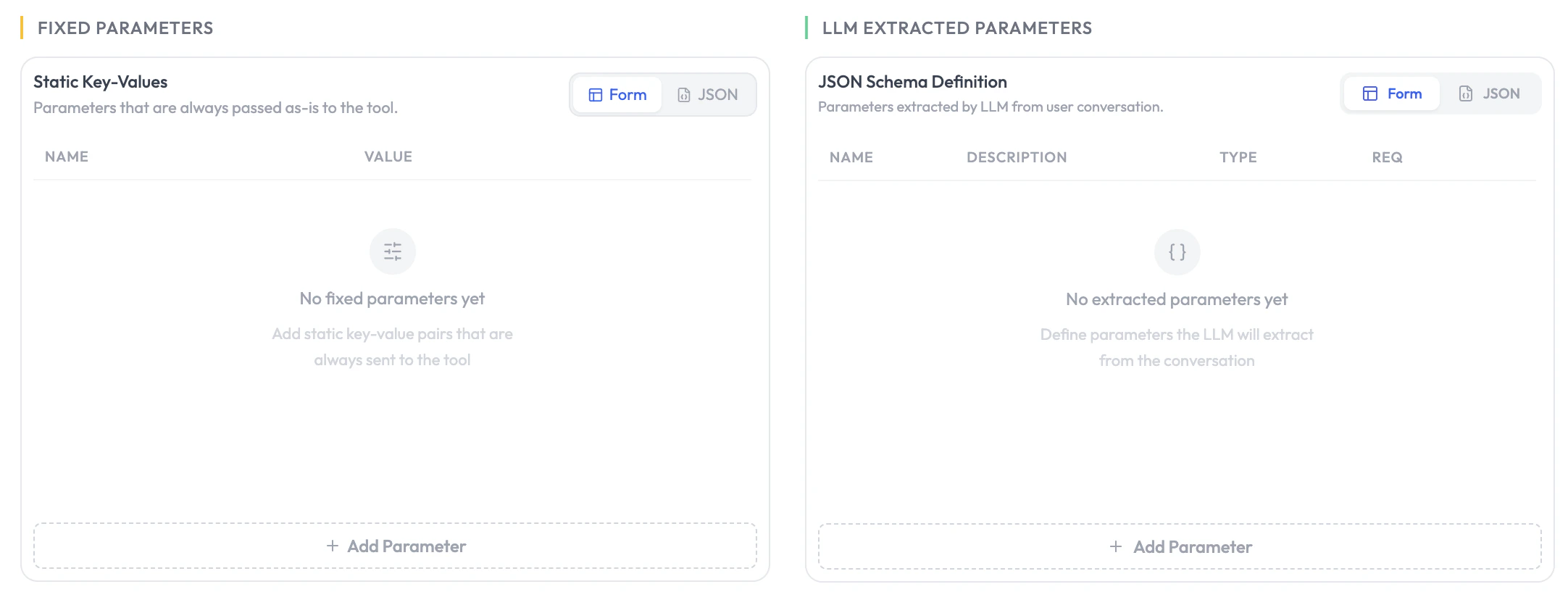
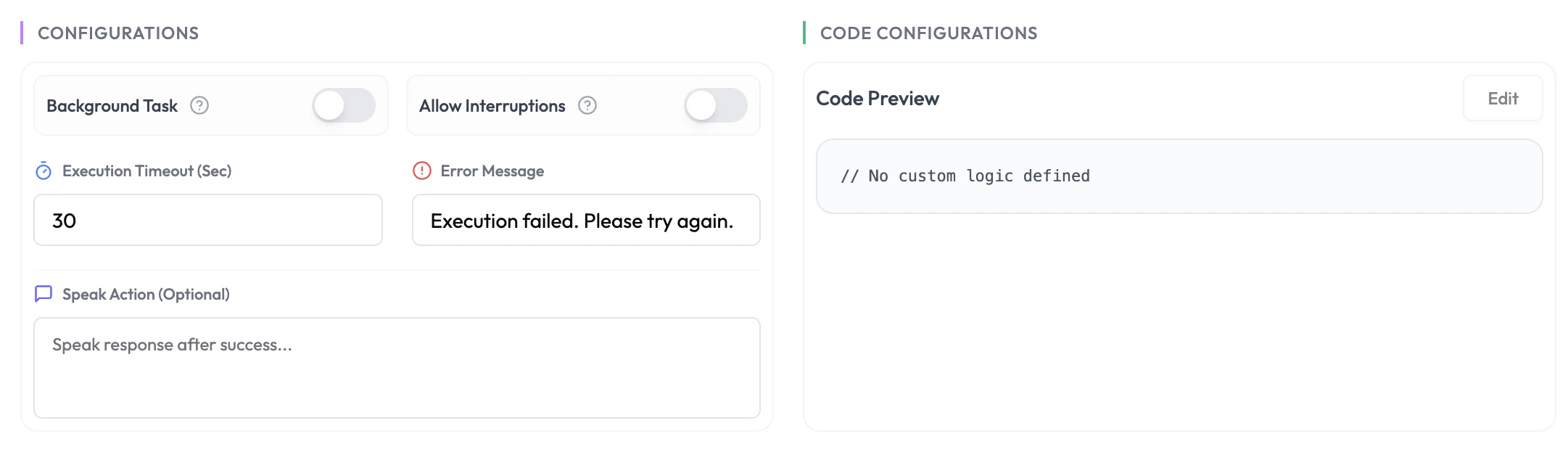
Configuration
Session Body
Every custom function receives a consistent request body regardless of phase. Use any of these fields inside your function code.Phase Behaviour
Pre-Session
No LLM is involved. Your function runs before the agent activates. Use it to validate the customer, pre-fetch data, or block the session entirely. Your function can return:dynamicVariables— Key-value pairs injected into the agent’s context and available to all subsequent functions.terminateAgent: true— Abort the session before the agent activates. Acts as a security gateway — the LLM is never initialised, so no LLM cost is incurred.
Returning
terminateAgent: true is the recommended way to block unauthorised or invalid sessions. The agent is never started, which also means zero LLM cost for rejected sessions.During-Session
The LLM calls the function based on the conversation context and its description. LLM-extractedparams are populated from the conversation. Your function can return dynamicVariables to pass data forward to the next function in the chain.
If Background Task is off, the agent waits for your function’s response before replying to the customer — keep response time under 3 seconds for the best experience.
Post-Session
The function runs automatically after the session ends.analysis is populated with the full post-call analysis. Use it to write session outcomes to your database, trigger follow-up messages, or update your CRM.
Using Actions in Your Code
Custom functions can call built-in actions — HTTP requests, Airtable, Google Sheets, and SubVerse agent triggers — without writing any integration code. Select the actions you need when creating your function, attach the required credentials, and the Code Assistant will use them when generating your code.Custom Function Actions
Browse all available actions with input options and code examples
Next Steps
Background Agent
Delegate complex tasks to a powerful model in parallel
Agentic Functions Overview
See all function types and session phases